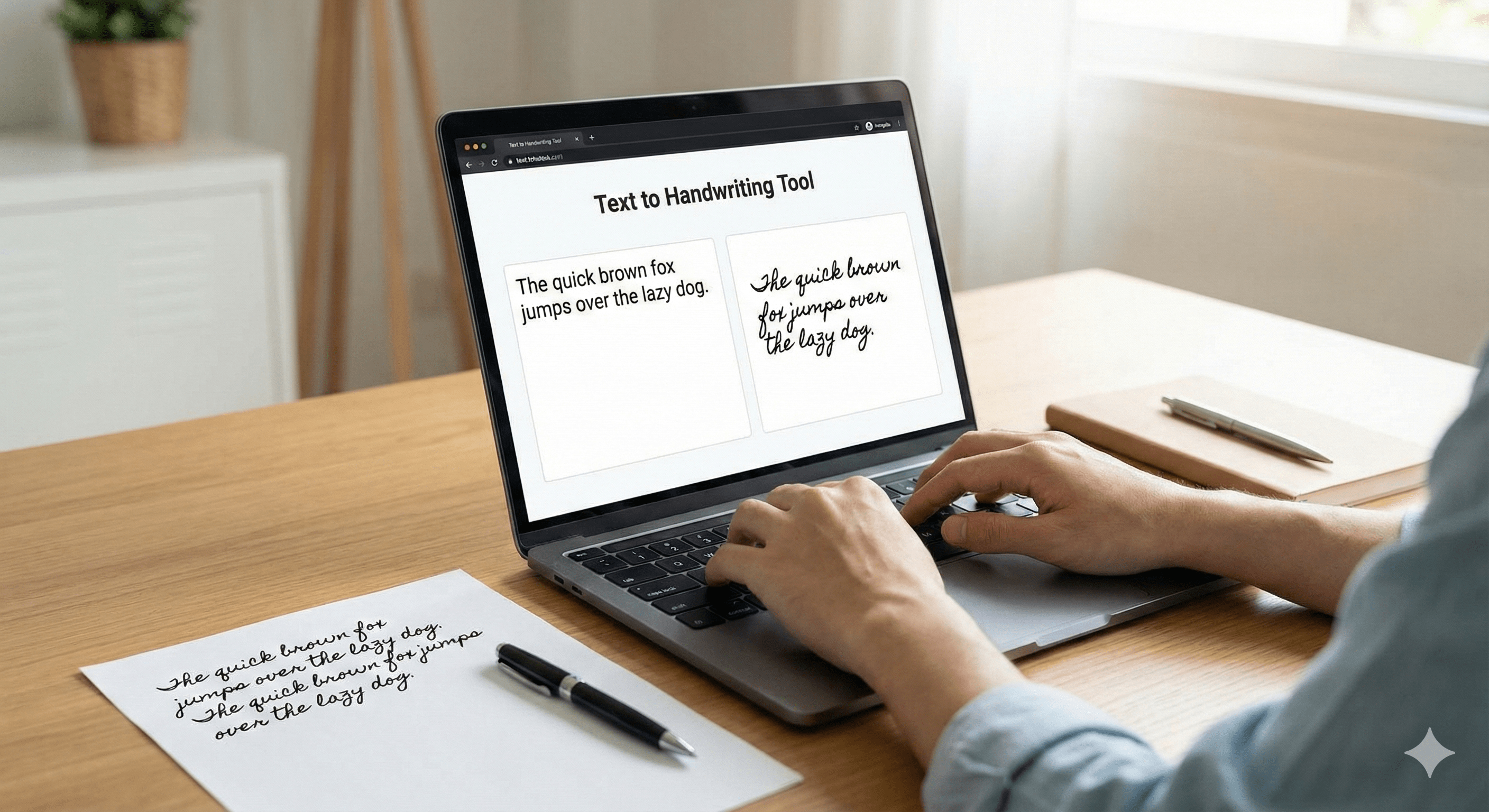
A text to handwriting generator is useful whenever you want the visual feel of handwritten notes without manually writing every page. It works well for school notes, printable planner pages, worksheets, and personal projects.
The best part is repeatability. You can reuse the same layout with different text and maintain a consistent handwritten style across multiple pages.
Why generators are practical
Typing is faster than handwriting, especially when you are revising content. A generator lets you work in a more efficient order: draft first, style later. That improves both output quality and turnaround time.
Good fit for: printable notes, classroom material, journaling templates, and personal study pages.
Features that matter most
- Readable handwriting styles
- Notebook or plain page backgrounds
- Ink color and spacing controls
- High-quality export for print or sharing
- Stable rendering for multi-page text
When to choose a generator over an app
A browser-based generator is ideal when you want quick access without installing anything. A dedicated app may help if you frequently save projects, sync across devices, or work offline.
Final takeaway
If you need handwriting output often, a strong generator becomes a reliable part of your workflow. It keeps the source editable while giving the final page a handwritten look.